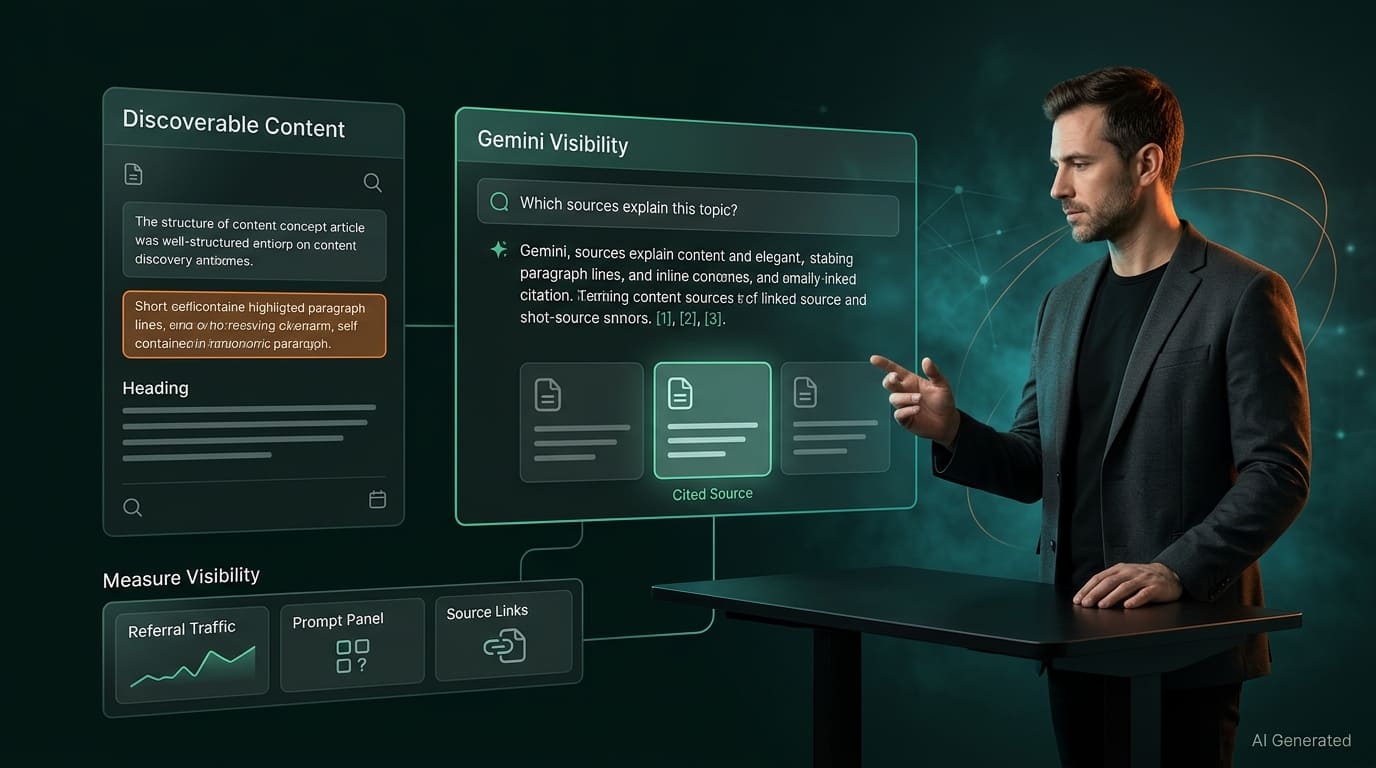
Quick answer: Gemini’s answers can be grounded in content from Google’s Search index, and Google gives you one robots.txt token to control that, Google-Extended, which covers both Gemini training and grounding in Gemini Apps. Leave it unblocked, keep your pages indexed and snippet-eligible in Google Search, write passages that answer sub-questions directly, and measure with referral data and a prompt panel. Blocking Google-Extended doesn’t remove you from Google Search, but it likely removes you from Gemini Apps answers.
By one analyst’s count, Gemini is now the second-largest consumer AI assistant, yet few guides focus on how to be cited in it. In the market-share chart in Kevin Indig’s H1 2026 analysis for Search Engine Land, Gemini’s share rose from 15% in July 2025 to 30% in July 2026, while ChatGPT fell from 78% to 56% and Claude rose from 2% to 10%. Those are one analyst’s figures and the text doesn’t name the chart’s source, so treat them as directional. Even so, an AI search strategy that only covers ChatGPT and Perplexity is leaving the second-largest engine out.
Part of the reason dedicated Gemini guides are scarce is that the topic has a trap in it. Google runs several AI surfaces that look similar from the outside but are controlled differently, and the most common mistake is blocking or allowing the wrong thing. This guide separates them, then follows the same audit order as our guides to ranking in ChatGPT, Google AI Overviews, and Perplexity, labeling what is documented and what is inference.
What Does Ranking in Gemini Actually Mean?
There are three different places your content can appear, and they are not the same thing. The Gemini app and web experience, which Google calls Gemini Apps, generate answers that can be grounded in web content. AI Overviews and AI Mode are features inside Google Search, controlled through Googlebot and snippet settings, which the AI Overviews guide covers. And the Gemini API and Vertex AI let developers build products that use grounding with Google Search, which you will rarely see directly but which also draws on your content.
As with every AI engine, there is no ranked list and no fixed position. The unit of success is being cited or named in an answer for the questions your buyers ask, and that varies by prompt, user, and model version. Plan for sampling, not a rank.
Step 1: Have You Decided What Google-Extended Should Do?
This is the Gemini-specific step, and it is the one most guides get wrong. Google-Extended is a robots.txt token with no user agent of its own. Google crawls under its existing user agents, and its list of common crawlers describes the token as used in a control capacity. According to Search Engine Journal’s October 2026 report on that documentation, it manages whether content Google crawls can be used to train future Gemini models and for grounding in Gemini Apps and Grounding with Google Search on Vertex AI. The same documentation says it doesn’t affect a site’s inclusion in Google Search and isn’t a ranking signal.
| Control | What it governs | What happens if you block it |
|---|---|---|
| Googlebot (robots.txt) | Crawling for Google Search, including AI Overviews and AI Mode | Your pages drop out of Google Search and its AI features |
| Google-Extended (robots.txt token) | Use of crawled content for Gemini training and for grounding in Gemini Apps and Vertex AI | Your content is not used for those purposes. Search inclusion and ranking are unaffected |
nosnippet, max-snippet, noindex | What Search shows, or whether a page is indexed | Page-level control over Search features. Also reduces ordinary snippets |
Here is the consequence, and it is an inference from how Google words the documentation rather than a statement Google makes in those terms: grounding is the mechanism that lets Gemini Apps pull in web content at answer time, and Google-Extended covers grounding. So disallowing it likely means your content will not be used to ground Gemini Apps answers, which means no citations there. If you want to be cited in Gemini, do not block it. If you do not want your content used for training, you face a trade-off, because Google documents one token for both uses.
# Default: leave Google-Extended unblocked (no rule needed).
# Gemini training and grounding are permitted.

# To opt out of BOTH Gemini training and Gemini Apps grounding:
User-agent: Google-Extended
Disallow: /
There is a wider limit worth knowing about. In an October 2026 Search Central video, Google’s Gary Illyes said robots.txt, as defined by RFC 9309, is an access preference protocol that doesn’t dictate what a system does with data after it has crawled it. A proposed IETF draft would add a Content-Usage rule to state usage preferences separately from crawl access, but it is still a working-group draft, not a standard. Until something like it exists, you cannot say “ground answers on my pages but don’t train on them” in a way Google documents.
To check what your robots.txt currently says about Google’s AI token and the other major AI crawlers, run your domain through the Robots.txt AI Bot Auditor.
Step 2: Is Your Page in Google’s Index and Eligible for a Snippet?
Google describes grounding as supplying content from the Google Search index to the model at prompt time, as summarized in PPC Land’s explainer on the token. That ties Gemini visibility to the same foundation as ordinary search: if a page is not indexed in Google, there is nothing in that index to ground an answer on. Everything in Step 1 of the AI Overviews guide applies here. Check for stray noindex tags, snippet-suppressing directives from templates or plugins, and any CDN or hosting rule that challenges Googlebot. Use Search Console’s URL Inspection tool to see the HTML Googlebot received.
A quick first pass on a single URL is the AEO Readiness Checker, which flags noindex and canonical problems. For the full set of snippet directives and what each does, see How to Rank in Google AI Overviews.
Step 3: Does Each Section Answer a Sub-Question Directly?
Grounded answers are assembled from passages, so passage quality decides whether yours is usable. Open each section with the direct answer in one or two sentences, name the subject instead of leaning on pronouns, use question-format headings, and cover the sub-questions around your main topic rather than only the headline query. The underlying approach is covered in LLM Optimization: How to Make Content Model-Friendly.
Two free tools help with the editing. The Entity Gap Mapper shows which concepts a strong page on your topic should cover that yours doesn’t. The Real Retrieval Simulator shows which paragraphs match realistic questions. It is a general proxy for retrieval, not a simulation of Gemini, so use it to find weak paragraphs rather than to predict a citation.
Step 4: Do You Have Clear Entity and Trust Signals Across Google’s Ecosystem?
Google’s AI features documentation tells site owners to keep Merchant Center and Business Profile information up to date where those apply, which is a documented signal that structured, first-party data in Google’s own systems matters for AI features in Search. Whether Gemini Apps use those sources the same way is not documented, so treat it as good practice rather than a guaranteed lever. For everyone, the transferable part is entity clarity: use the same brand name, description, and author details everywhere you appear, name real authors with credentials, and cite primary sources. Entity-First Content for GEO and AEO covers how to build that consistently.
Step 5: How Do You Measure Gemini Visibility?
Measurement is the weakest part of the Gemini picture, so be honest about it. Google’s Search Console AI performance report, rolled out globally in August 2026, covers AI features in Google Search. I could not confirm from the sources I read that visits from the Gemini app are included, so do not assume they are. What you can do is filter your analytics for gemini.google.com as a referral source, build a fixed panel of 10 to 20 realistic prompts, run them in Gemini on a schedule, and record whether your brand is mentioned and your URL cited. Treat each run as a sample.
Remember that AI referral data is fragile across the board. ChatGPT’s UTM parameter went missing for about a week in October 2026, and similar gaps can happen with any engine. Annotate anomalies before drawing conclusions. For a wider framework, see KPIs for AI-Native SEO and GEO.
Should You Block Google-Extended?
It depends on what you care about more: keeping your content out of Gemini training, or being citable in Gemini Apps. Because Google documents one token for both, you cannot have the first without likely losing the second. If your content is licensed, paywalled, or you object to training use on principle, blocking is a legitimate choice, and it will not harm your Google Search rankings. If your goal is discovery, leaving it open keeps you eligible for grounding in an assistant with a large and growing user base. Decide by section of the site where you can, and revisit when Google or the IETF process offers finer controls.
Which Gemini Claims Are Documented and Which Are Not?
| Claim | Status |
|---|---|
| Google-Extended controls Gemini training and grounding | Documented in Google’s common crawlers list |
| Google-Extended doesn’t affect Search inclusion or rankings | Documented. Google states it isn’t a ranking signal |
| Blocking Google-Extended likely removes you from Gemini Apps grounding | Inference from the documented scope of the token |
| You can allow grounding but block training | Not documented. One token covers both, and no standard usage signal exists yet |
| Gemini needs special schema or files | No Gemini-specific markup is documented |
| Search Console shows Gemini app visits | Unconfirmed. The AI performance report covers Search AI features |
Stay Ahead of AI Search.
Weekly AEO, GEO & AI SEO intelligence for marketers who want their content cited by AI. No fluff.
Frequently Asked Questions
The Bottom Line
Ranking in Gemini starts with one decision most guides skip: what Google-Extended should do on your site. Everything after that is familiar. Be indexed and snippet-eligible in Google, write passages that answer sub-questions on their own, keep your entity and author signals consistent, and measure with referral data and a fixed prompt panel instead of single checks. The mistake to avoid is treating Gemini, AI Overviews, and AI Mode as one switch. They share a foundation but have different controls.
Start with the free Robots.txt AI Bot Auditor to see how your robots.txt treats Google’s AI token, then score a key page in the AEO Readiness Checker.
Written by
AEO Insider Editorial Team
We help modern marketers and operators get their content cited by AI, discovered in search, and wired into scalable growth systems. Our collective focus is entirely on the cutting edge of AEO, GEO, and AI-native SEO.
ABOUT AEO Insider →